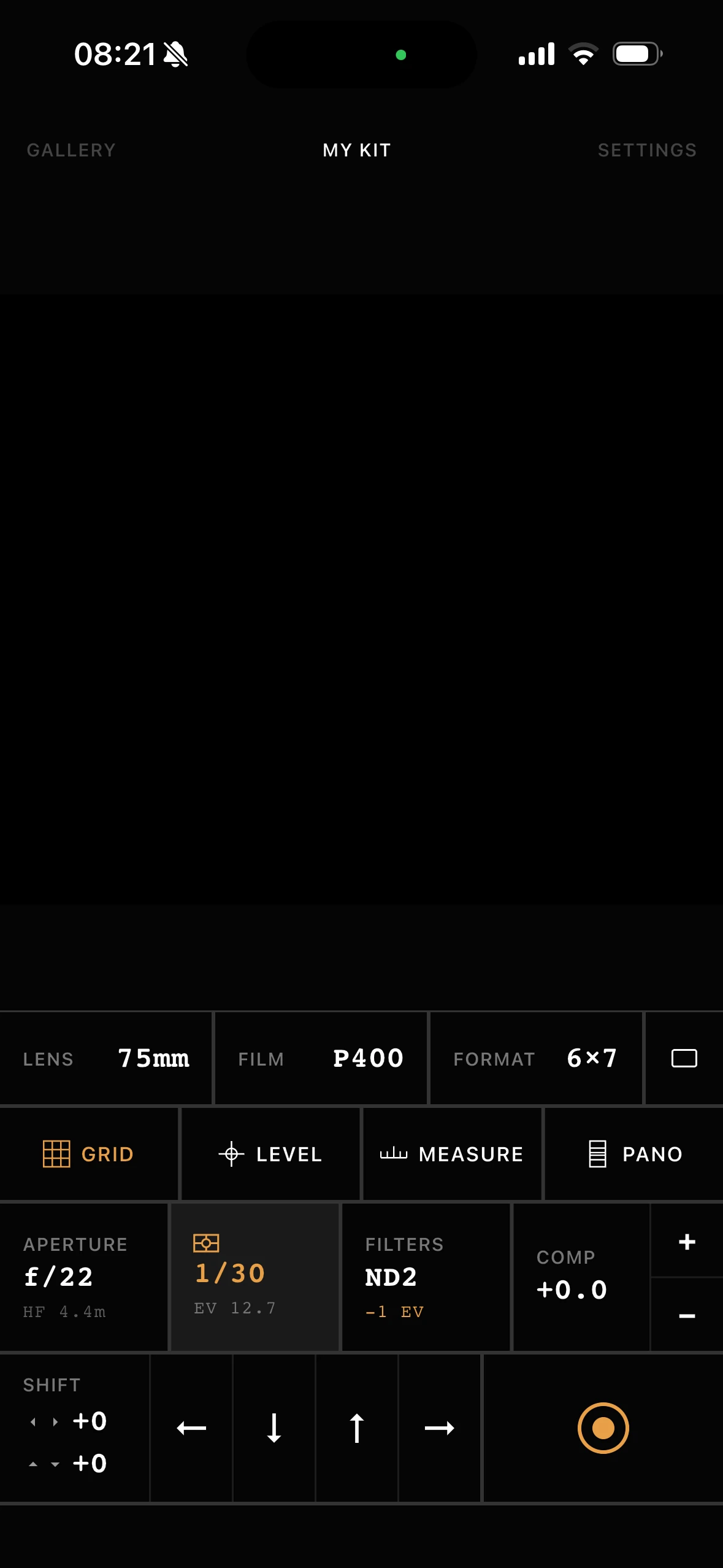
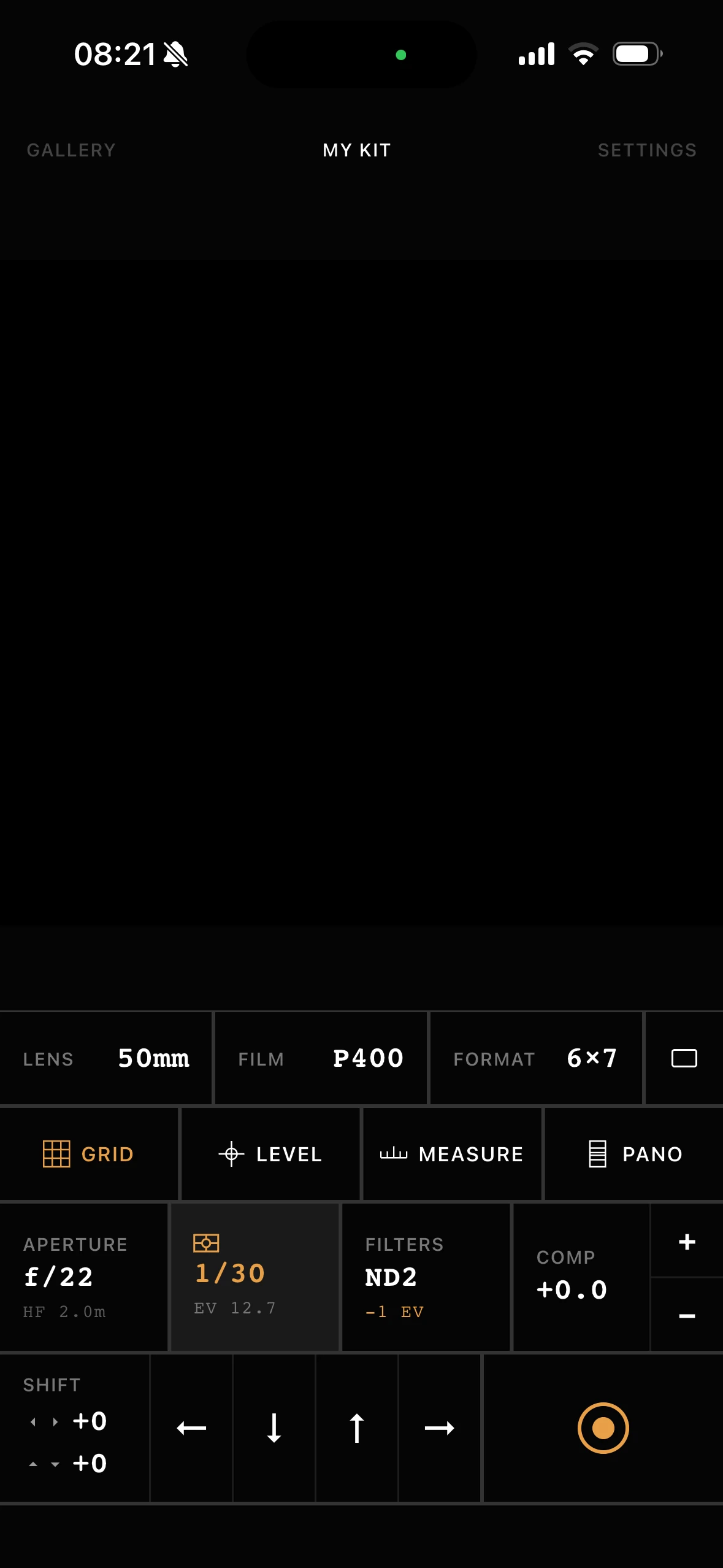
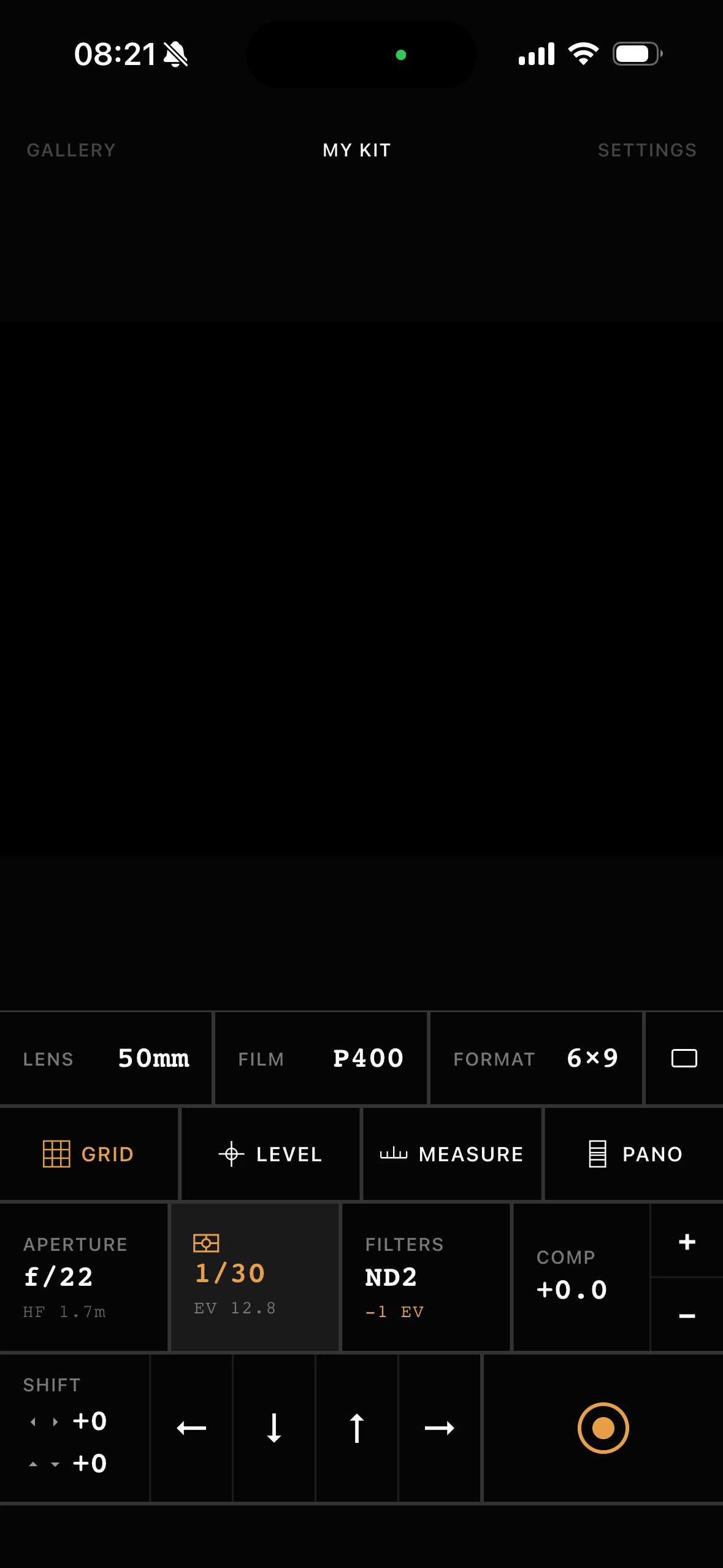
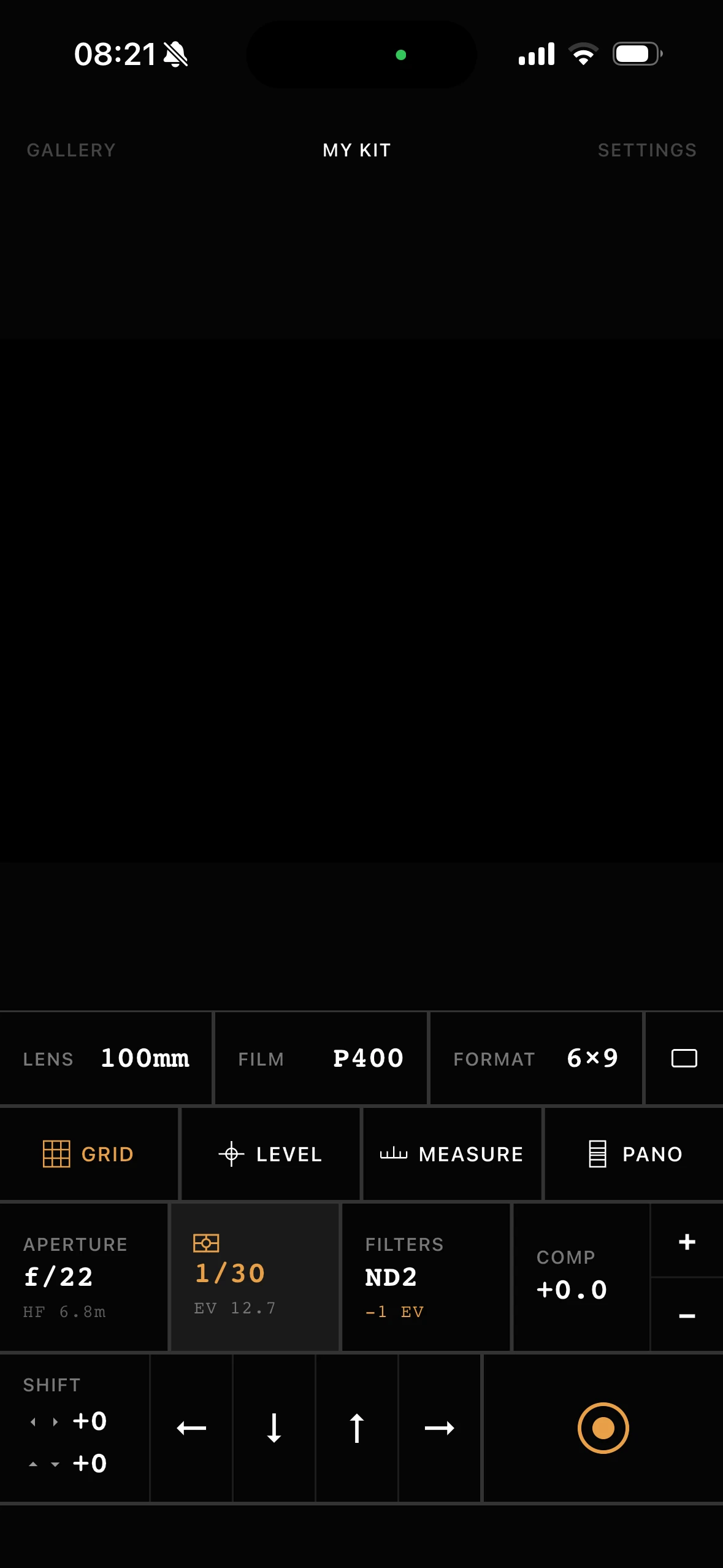
Lens filters
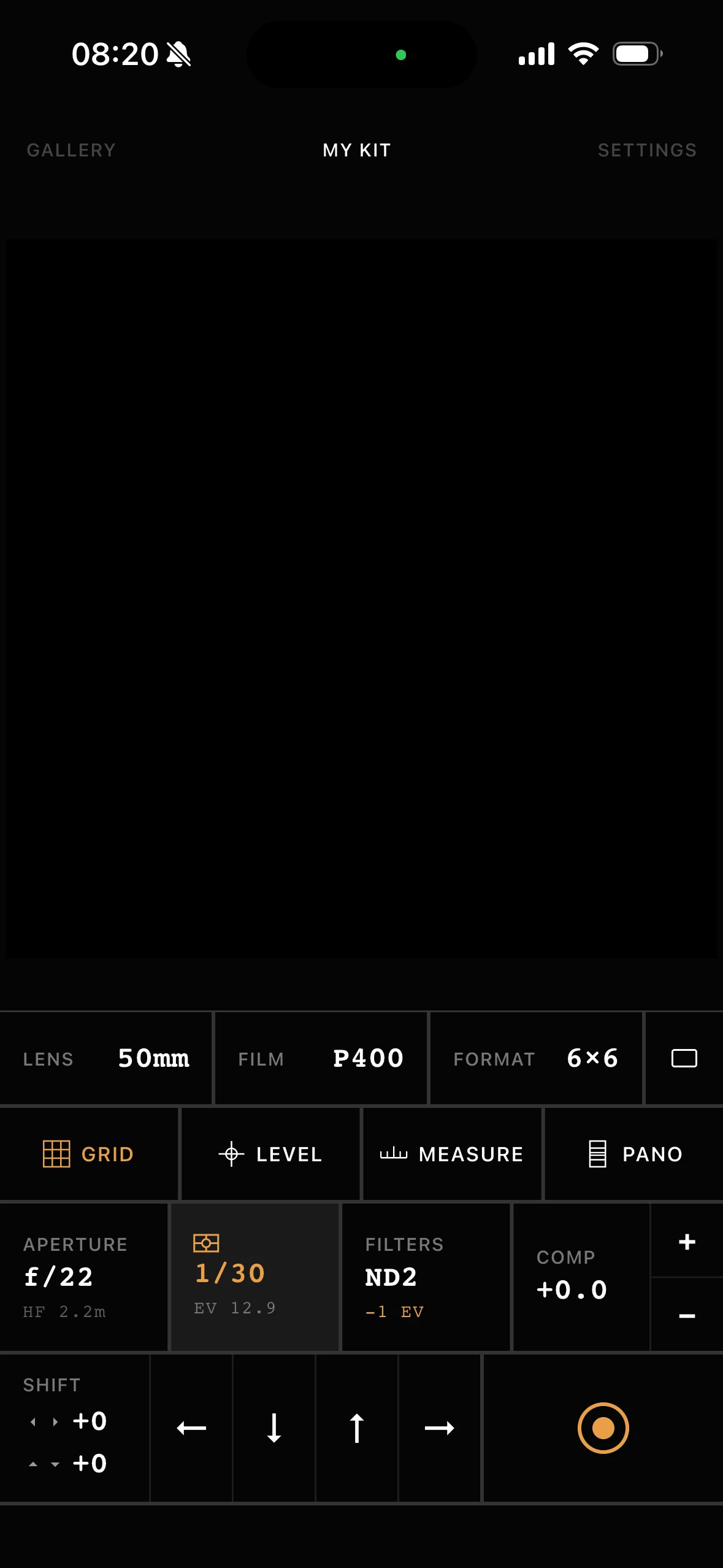
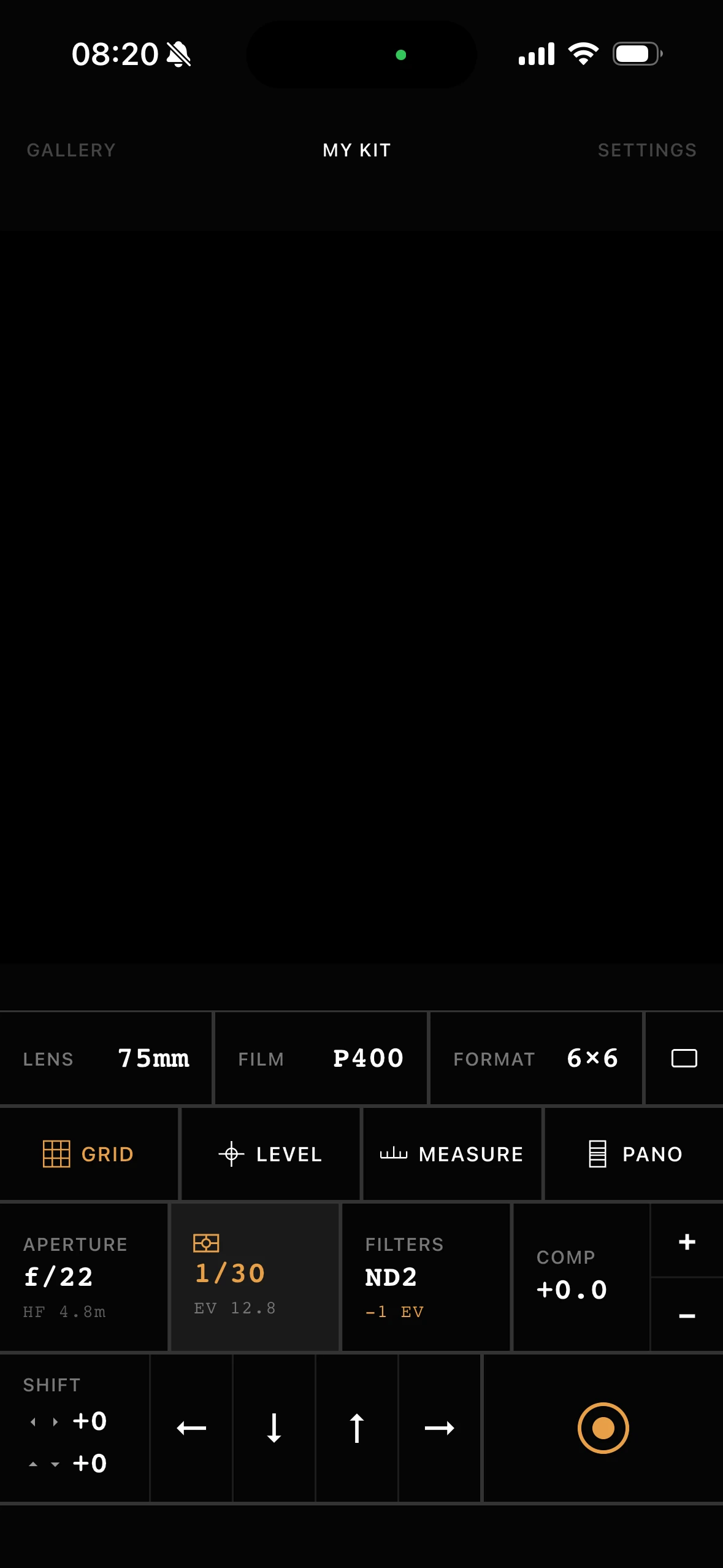
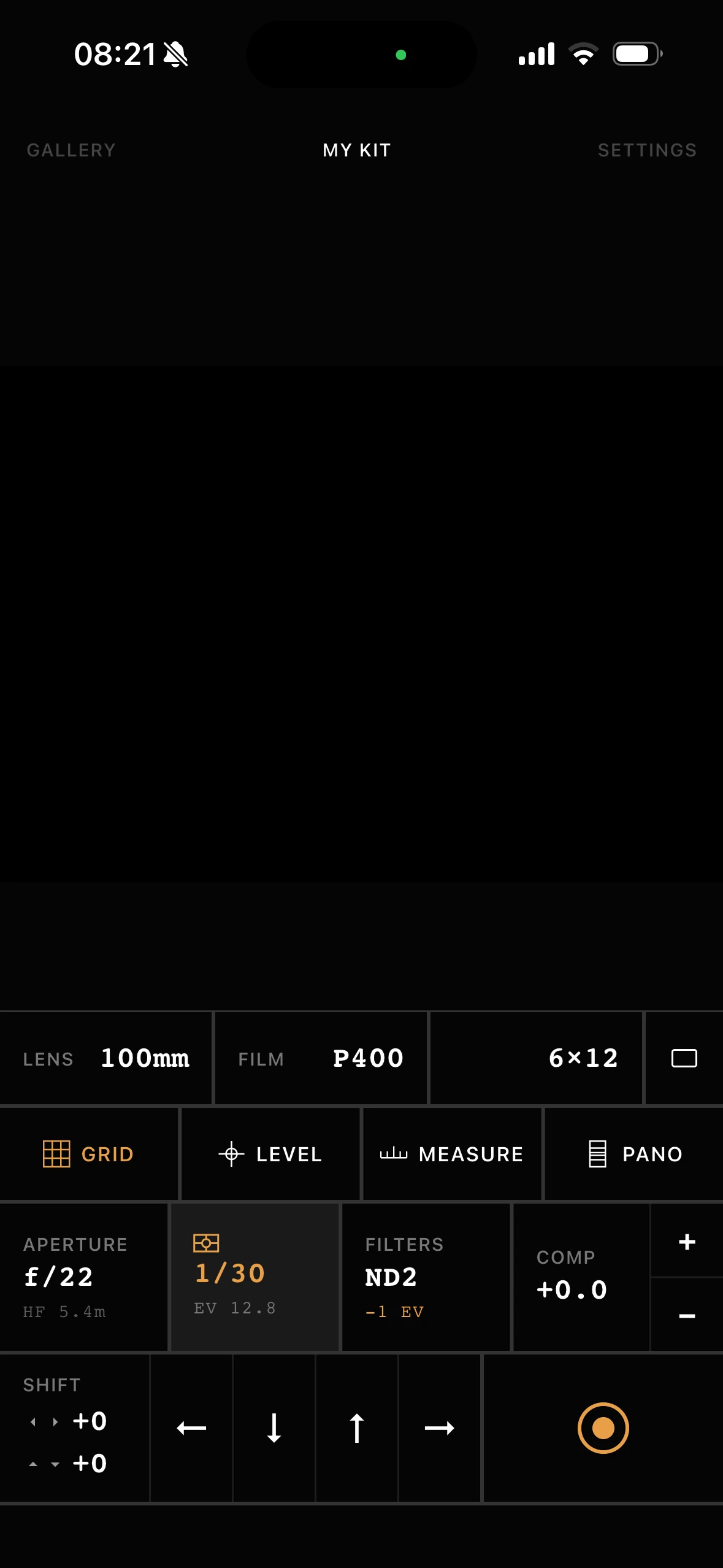
Log ND, polarizer, and color filters. The meter compensates automatically and every capture records what was on the lens.
 Second View
 Every tool a film photographer needs, in one app.


01What it is
35mm
Match any focal length to your frame before you wind on.
Medium format
Square, 6×7, or panoramic. See the aspect before you commit a frame.
Large format
Plan movements and framing before you pull the dark slide.
Digital
Sensor sizes and custom formats for shooters who scout first.
02Viewfinder
The crop is computed from the camera's actual reported field of view, not approximated. Pick your lens and format and the phone shows the real frame: portrait or landscape. Overlay a composition grid (rule of thirds, phi, or golden triangle) and a live bubble level keeps your horizon true before you trip the shutter.
03Light meter
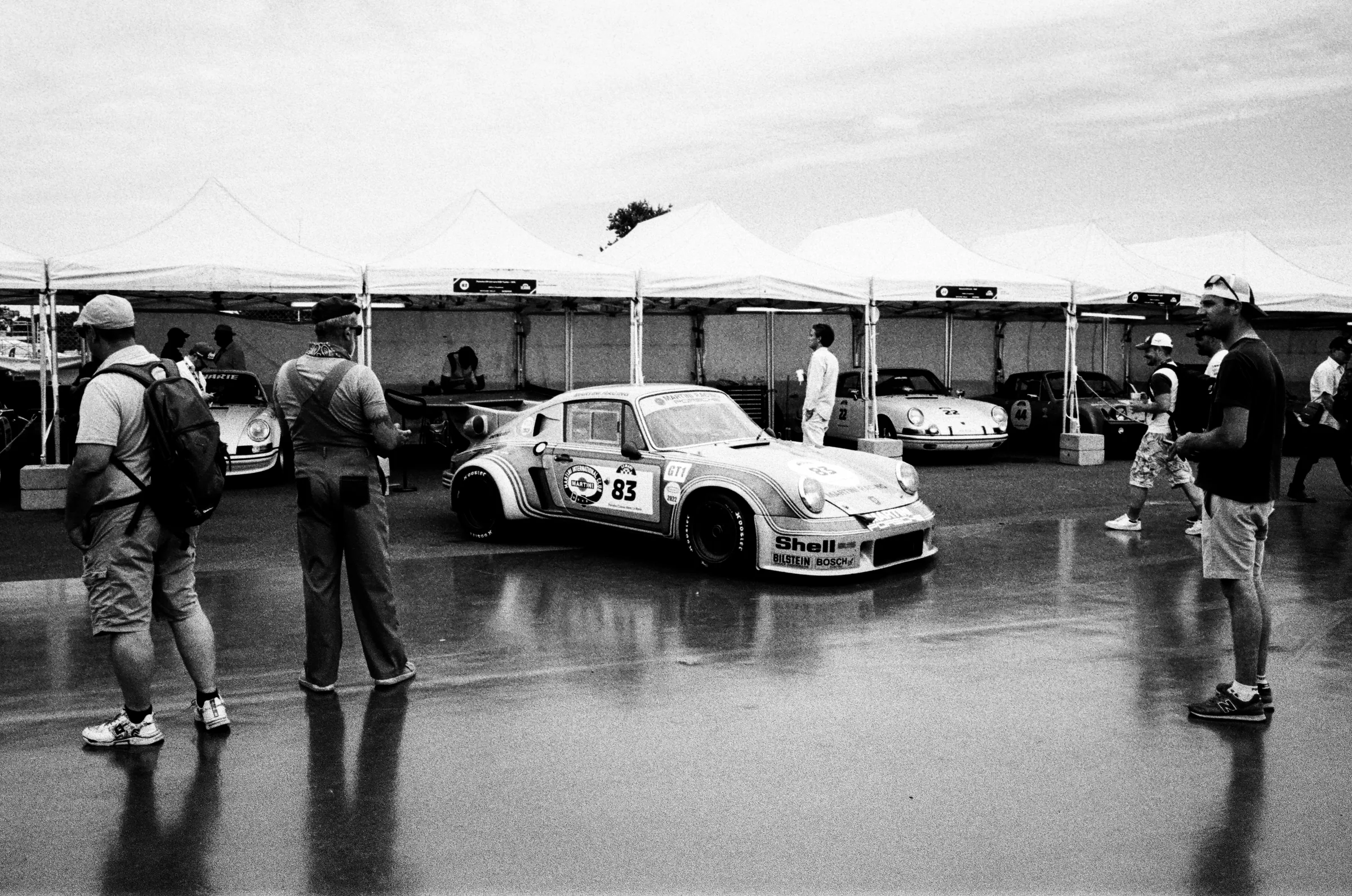
Second View meters continuously as you point the phone. Use global metering to read the whole frame for a balanced exposure, or switch to spot and place a square on any detail, a highlight, a shadow, a face, to read it precisely. Pick an aperture and get the shutter speed in real time, or work in EV with compensation in third stops.
04Reciprocity correction
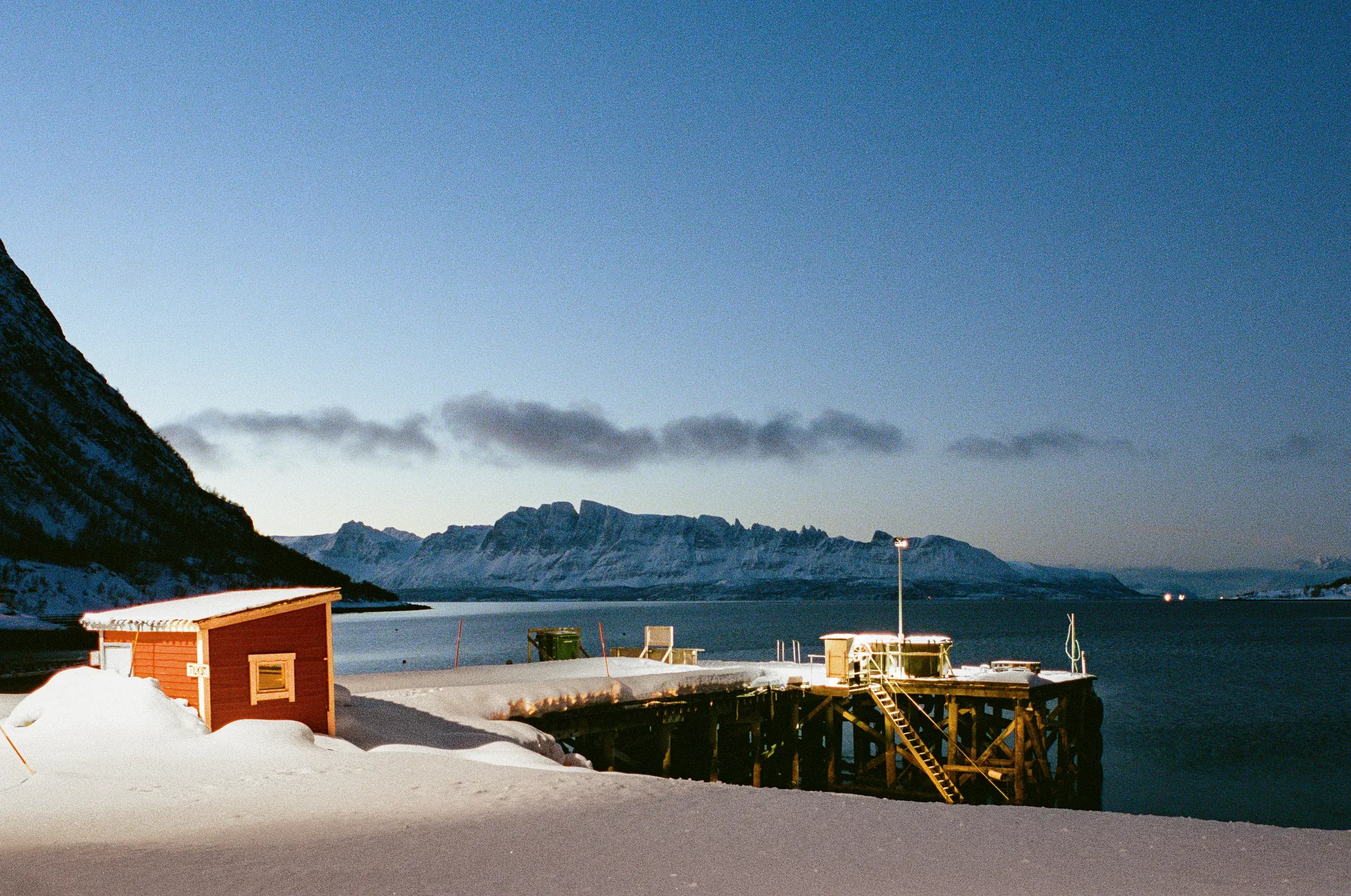
Second View carries a 60-stock film database with accurate reciprocity-failure curves: Portra, Ektar, CineStill, HP5, Tri-X, T-Max, Velvia, Provia, and more. Any exposure over one second is corrected automatically. A metered 60s on Portra 400 becomes a 4-minute exposure. Hit the trigger button and a full-screen countdown timer runs the corrected time with a progress ring, so you can open the shutter and walk away.
05Distance & parallax
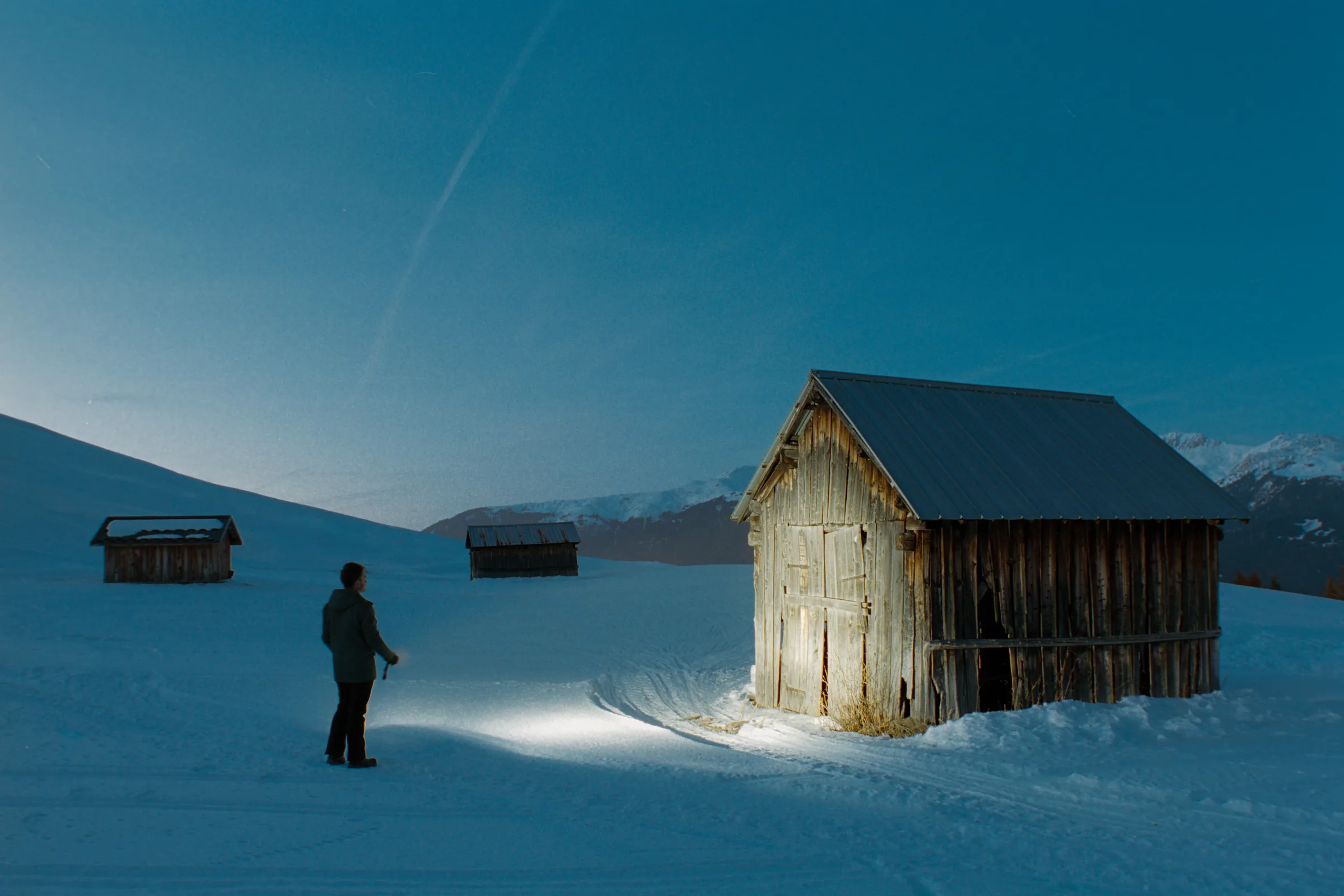
The phone sits beside your camera, not behind its lens, so the frames differ. Second View corrects that offset using distance. On iPhone 12 Pro and later, tap a point to measure it with LiDAR. On any other device, type it in. Parallax correction never requires LiDAR: only the automatic measurement does.
06Rise, fall & shift
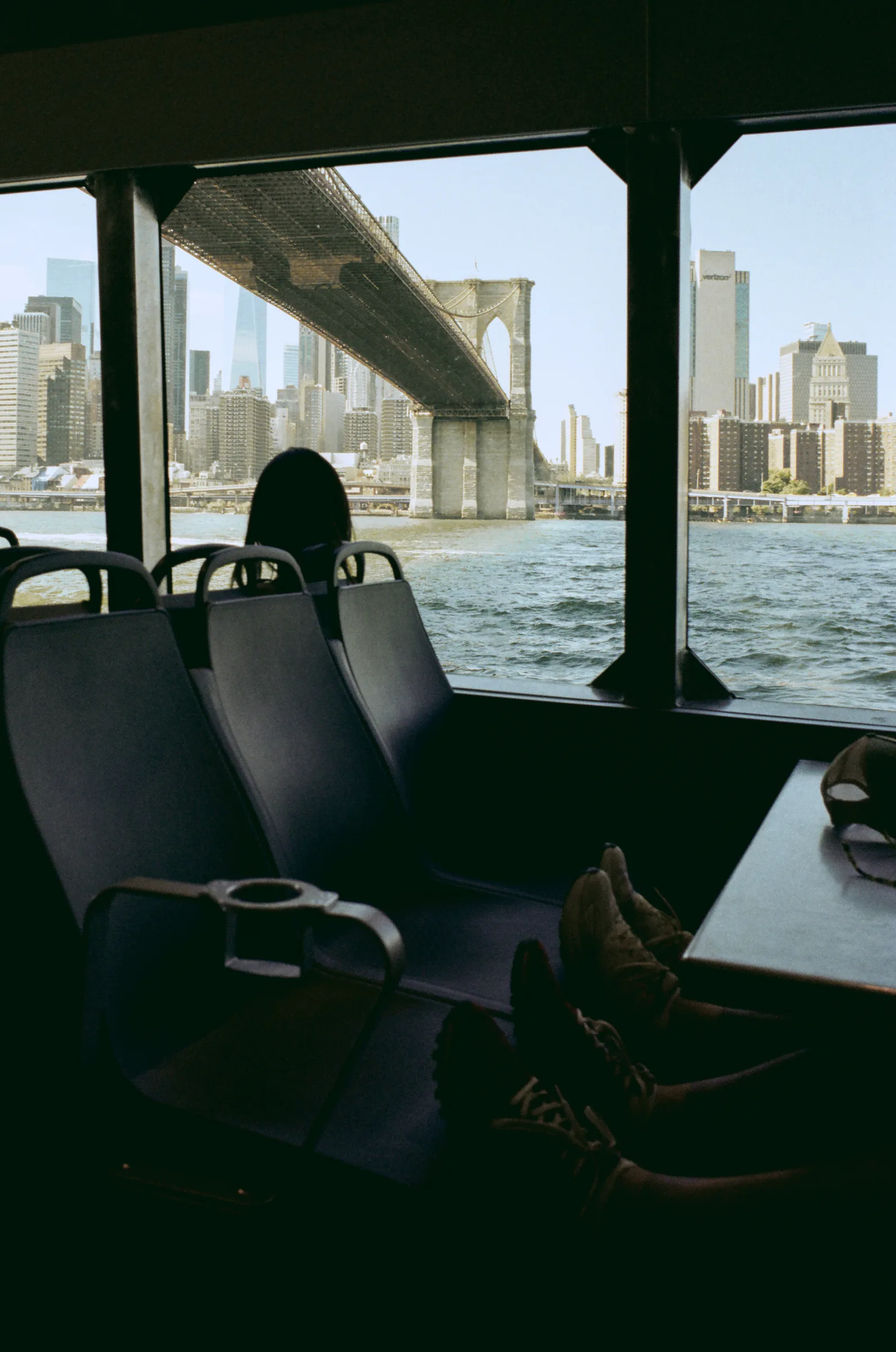
Offset the crop up, down, left, or right in 1mm steps and watch the frame move in real time. Plan a rising front for architecture or a shifted frame for a stitched panorama before you touch the standards.
07Panoramic stitching
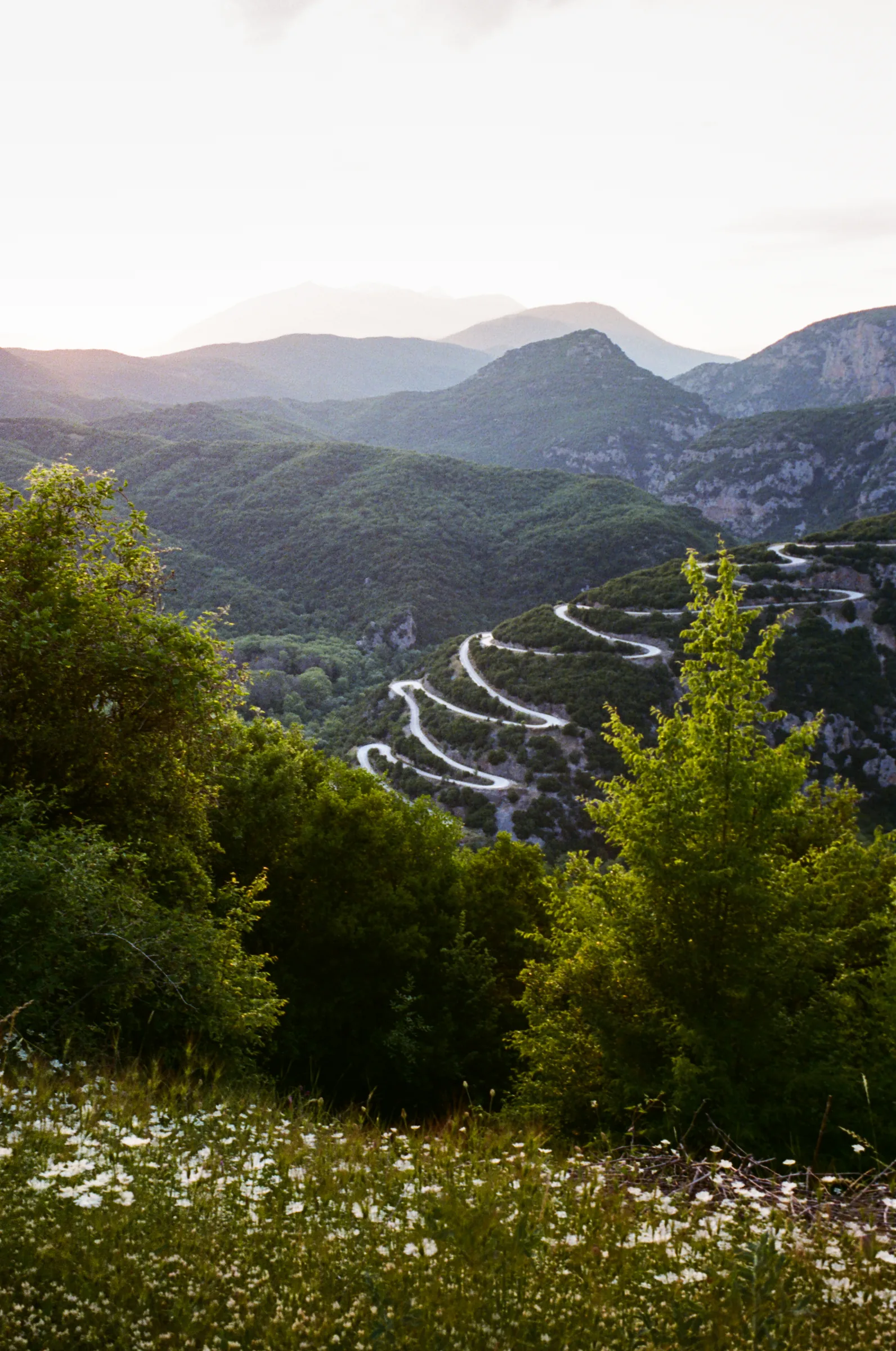
Built for a shift camera or a shift lens. Enter the movements your gear actually has: maximum rise, fall, and shift, then hit PANO. Second View lays out every frame you can capture across those shift positions, with overlap built in, so you see the full stitched coverage you'll get before you make a single exposure.
08The rest of the kit
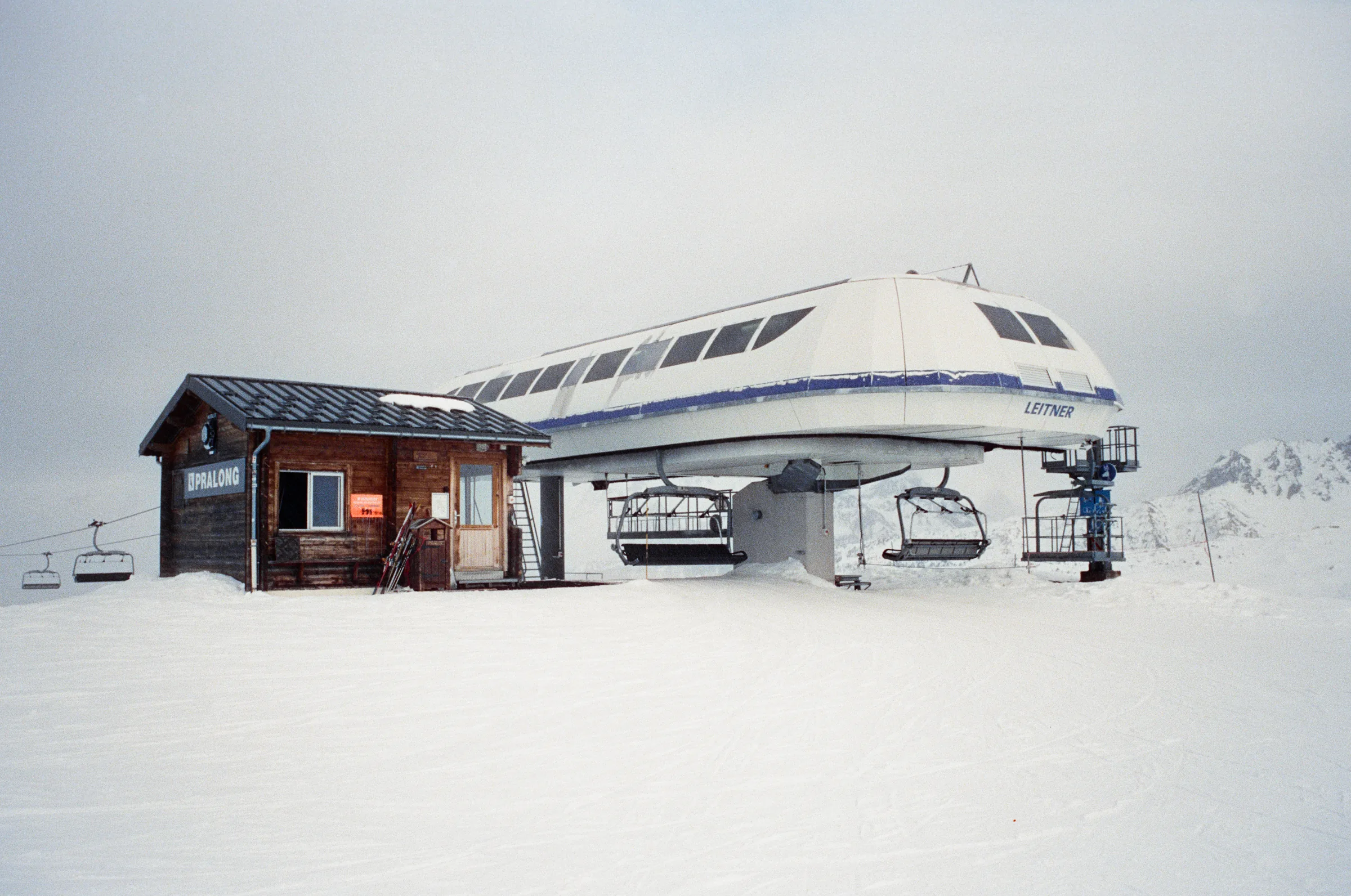
Log ND, polarizer, and color filters. The meter compensates automatically and every capture records what was on the lens.
A countdown built for long exposures, with a 3-second pre-countdown and a full-screen progress ring.
Read the whole frame or place a reticle on a small area. Calibratable against a reference meter you trust.
Save full configurations: lenses, format, stocks, features, offsets, layout, and checklist. Switch instantly.
A per-kit, step-by-step checklist you run inside the viewfinder to not forget anything (like the dark slide)...
Save a reference cropped to the exact framing with full metadata. Group into rolls, track film, and export a CSV film log.
09How it works
Choose a saved camera kit, or set a lens and one of 12 film formats.
Hold up the phone. See the exact frame, meter the light, set distance, and dial in movements and filters.
Save a reference photo plus full metadata to your roll, then make the exposure on your real camera.
10Supported formats
| Format | Frame (nominal) | Aspect | Class |
|---|---|---|---|
| Small format | |||
| 35mm | 36 × 24mm | 3:2 | Rangefinder / SLR |
| Medium format (120 / 220) | |||
| 6×4.5 | 56 × 42mm | 4:3 | Medium format |
| 6×6 | 56 × 56mm | 1:1 | Medium format |
| 6×7 | 56 × 70mm | 7:6 | Medium format |
| 6×8 | 56 × 76mm | 4:3 | Medium format |
| 6×9 | 56 × 84mm | 3:2 | Medium format |
| 6×12 | 56 × 112mm | 2:1 | Panoramic |
| 6×14 | 56 × 140mm | 5:2 | Panoramic |
| 6×17 | 56 × 168mm | 3:1 | Panoramic |
| Large format (sheet) | |||
| 4×5 | 4 × 5 in | 5:4 | View camera |
| 5×7 | 5 × 7 in | 7:5 | View camera |
| 8×10 | 8 × 10 in | 5:4 | View camera |
| Also supported | |||
| Digital | Sensor sizes | Varies | Full frame, APS-C, more |
| Custom | Your values | Any | Fully custom entry |
11FAQ
Yes. Second View is a light meter, viewfinder, and exposure-planning app for film photographers. It reads exposure continuously from the phone camera, gives you a shutter speed for any aperture across 14 stops, and supports spot metering with a placeable reticle you can calibrate against a reference meter.
No. Second View is not a camera app and does not take photos for you. It will not make a phone shoot like film. It is a companion and planning tool that helps you frame, meter, and plan a shot before you press the shutter on your actual film or digital camera. The reference photos it saves are framing aids, not final images.
Yes. Second View supports 4×5, 5×7, and 8×10 large-format sheet sizes, plus medium format from 6×4.5 to 6×17 and 35mm. It can also simulate rise, fall, and shift movements so you can plan view-camera framing before you set up the camera.
No. LiDAR is optional. On iPhone 12 Pro and later you can tap a point in the viewfinder to measure subject distance automatically. On other devices you enter the distance manually. Parallax correction works either way: it needs a distance, not a LiDAR sensor.
Second View includes a 60-stock film database with accurate reciprocity-failure curves, including Kodak Portra, Ektar, CineStill, Ilford HP5, Tri-X, T-Max, Fuji Velvia, and Provia. Exposures longer than one second are corrected automatically.
Twelve formats: 35mm, 6×4.5, 6×6, 6×7, 6×8, 6×9, 6×12, 6×14, 6×17, 4×5, 5×7, and 8×10. It also supports digital sensor sizes and fully custom format entry.
The meter reads continuously from the camera across 14 aperture stops (f/1 to f/64) and 19 shutter speeds (1/8000s to 30s), with EV compensation in third stops, plus hyperfocal distance and auto or manual modes. Spot metering can be calibrated against a reference meter so your readings match equipment you trust.
The phone sits beside your camera, so its view is offset from the taking lens. Second View corrects that offset using subject distance, measured with LiDAR or entered by hand. It also handles spot metering with lens filters: log ND, polarizer, and color filters, and the meter compensates automatically.
Second View is available on iOS now. The Android version is currently in Google review, which is taking much longer than expected, so it should land soon.
Second View runs on iPhone. Automatic LiDAR distance measurement requires iPhone 12 Pro or later; every other feature, including manual-distance parallax correction, works without LiDAR. The bubble level uses the device accelerometer.
Film photographers shooting 35mm, medium format, and large format, analog hobbyists and professionals, and digital shooters who plan their frames. It speaks in focal lengths, aspect ratios, stops, ND, hyperfocal distance, and camera movements.
Email linard_benoit@ymail.com. Second View is built and published by Benoit Linard.
Every tool a film photographer needs, in one app.